# Low profile M12 to CS lens adapter

<p class="callout info">This is archived post, see new version on new [platform](https://www.kurokesu.com/blog/how-to-install-cs-to-m12-adapter).</p>

<span style="color: #999999;">Low profile M12 to CS lens adapter [M12-TO-CS-ADAPTER](https://www.kurokesu.com/item/M12-TO-CS-ADAPTER) was designed for wide-angle and fisheye lenses. These lenses typically feature a compact design and have a short back focal distance. The installation, however, can be slightly tricky as access to the M12 set screw is restricted. Below is recommended installation steps:</span>

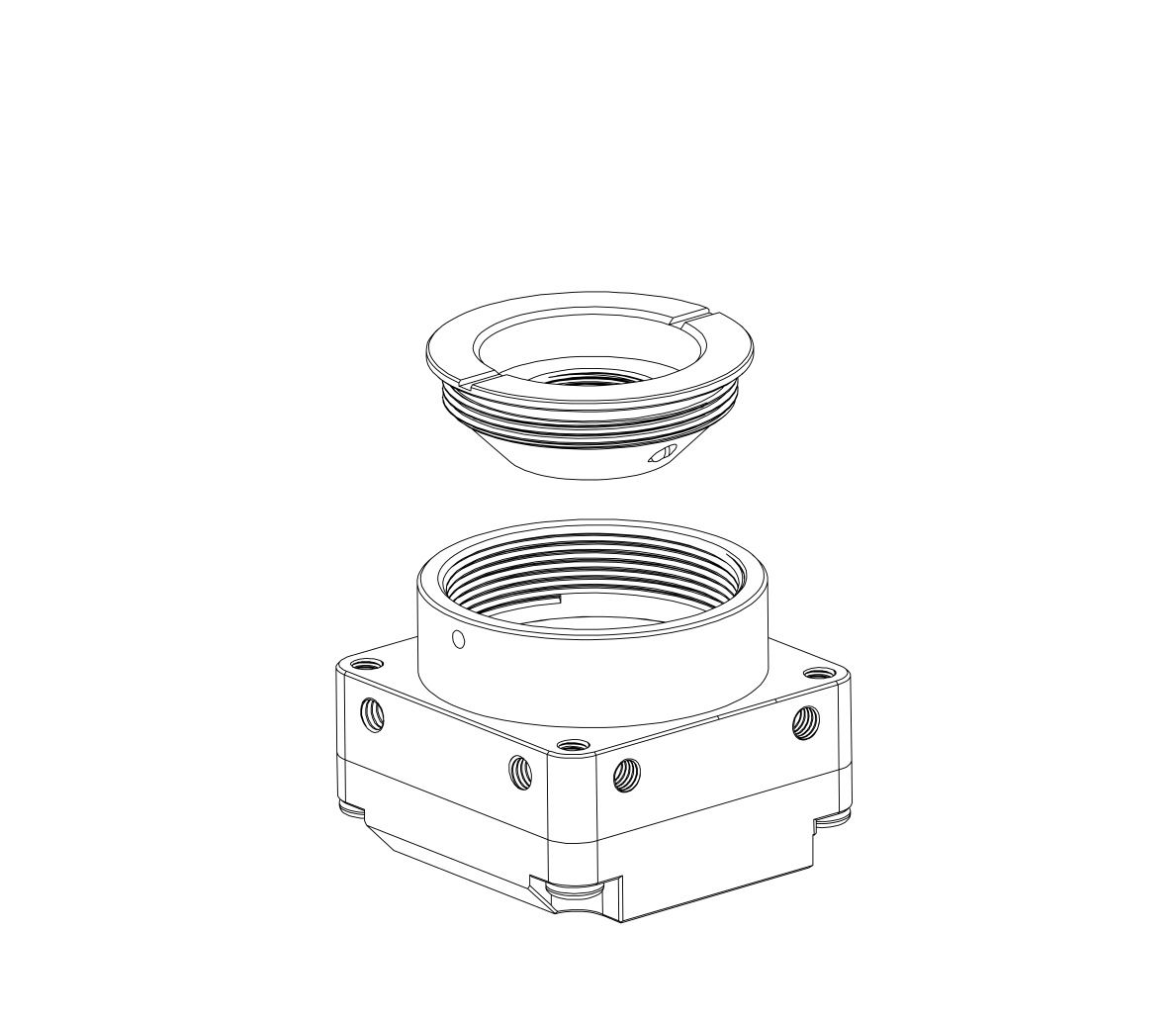
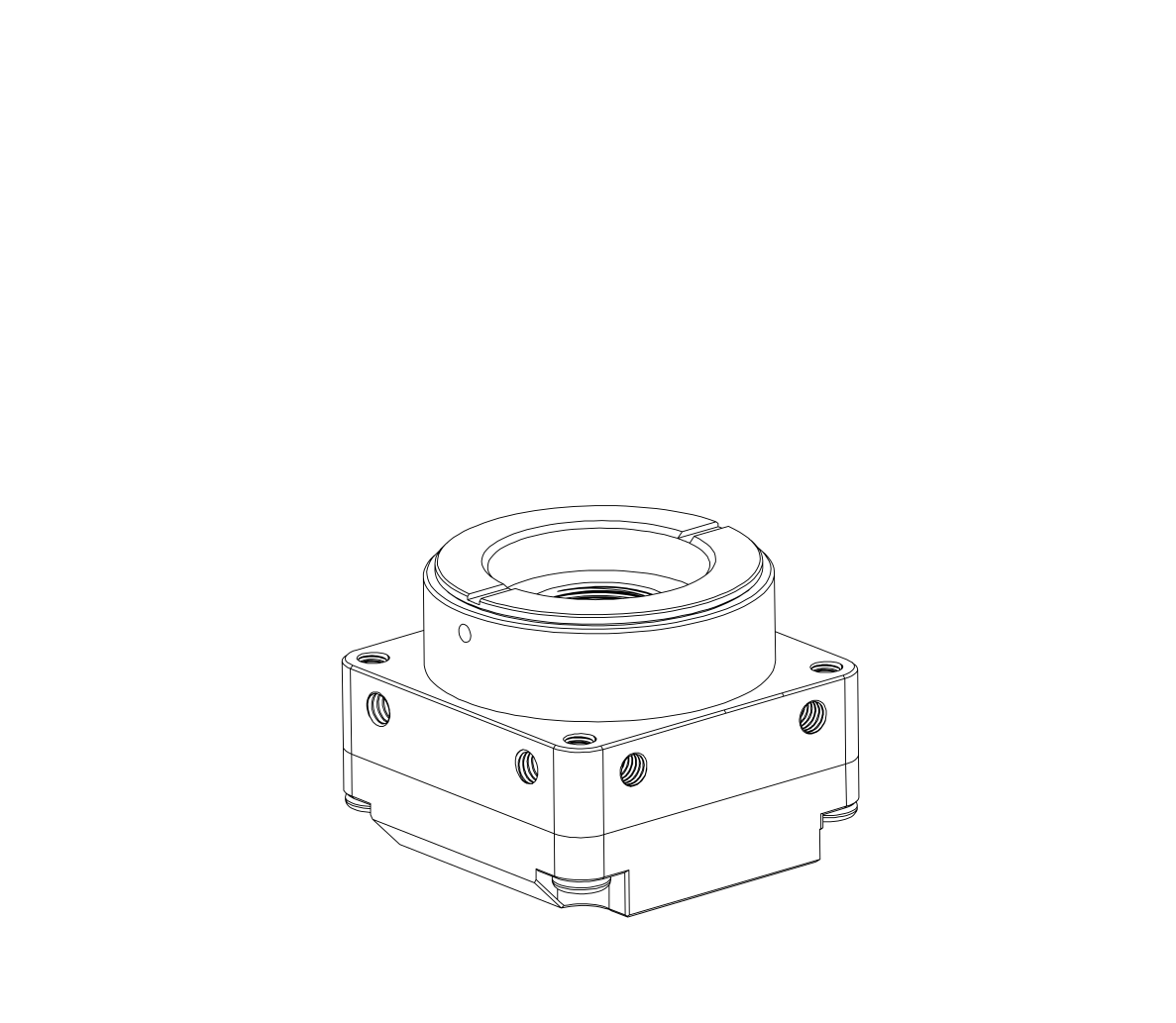
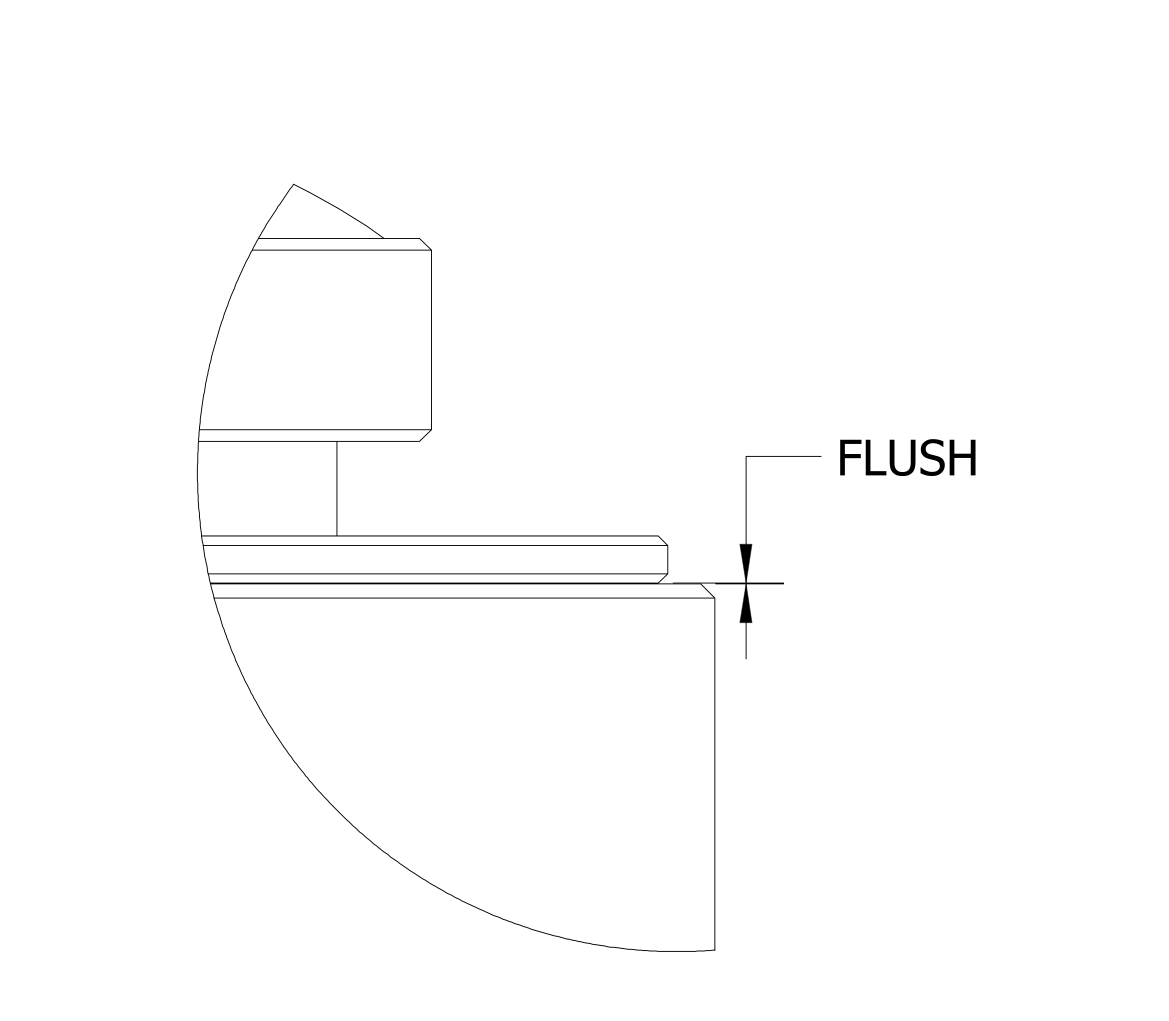
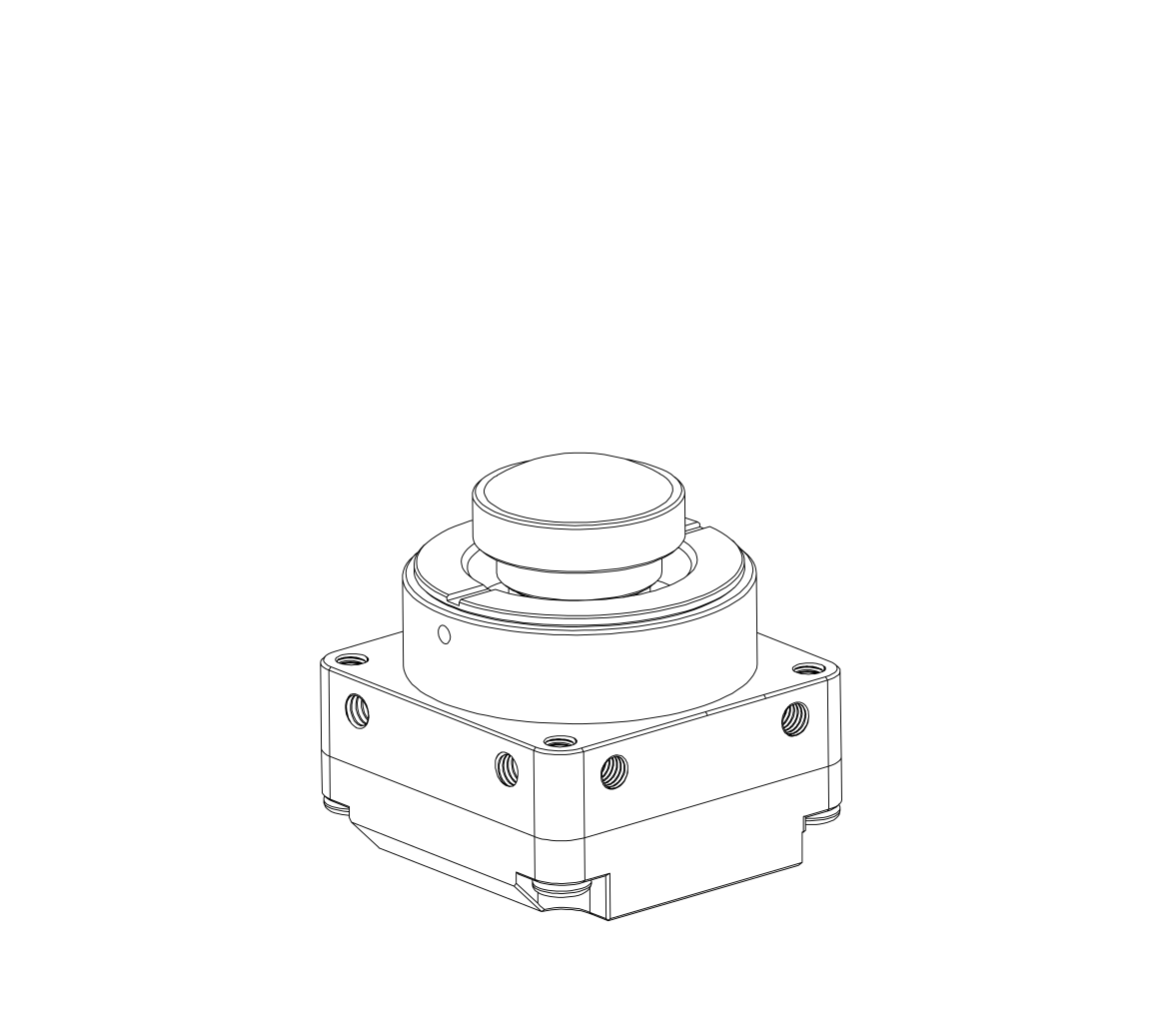
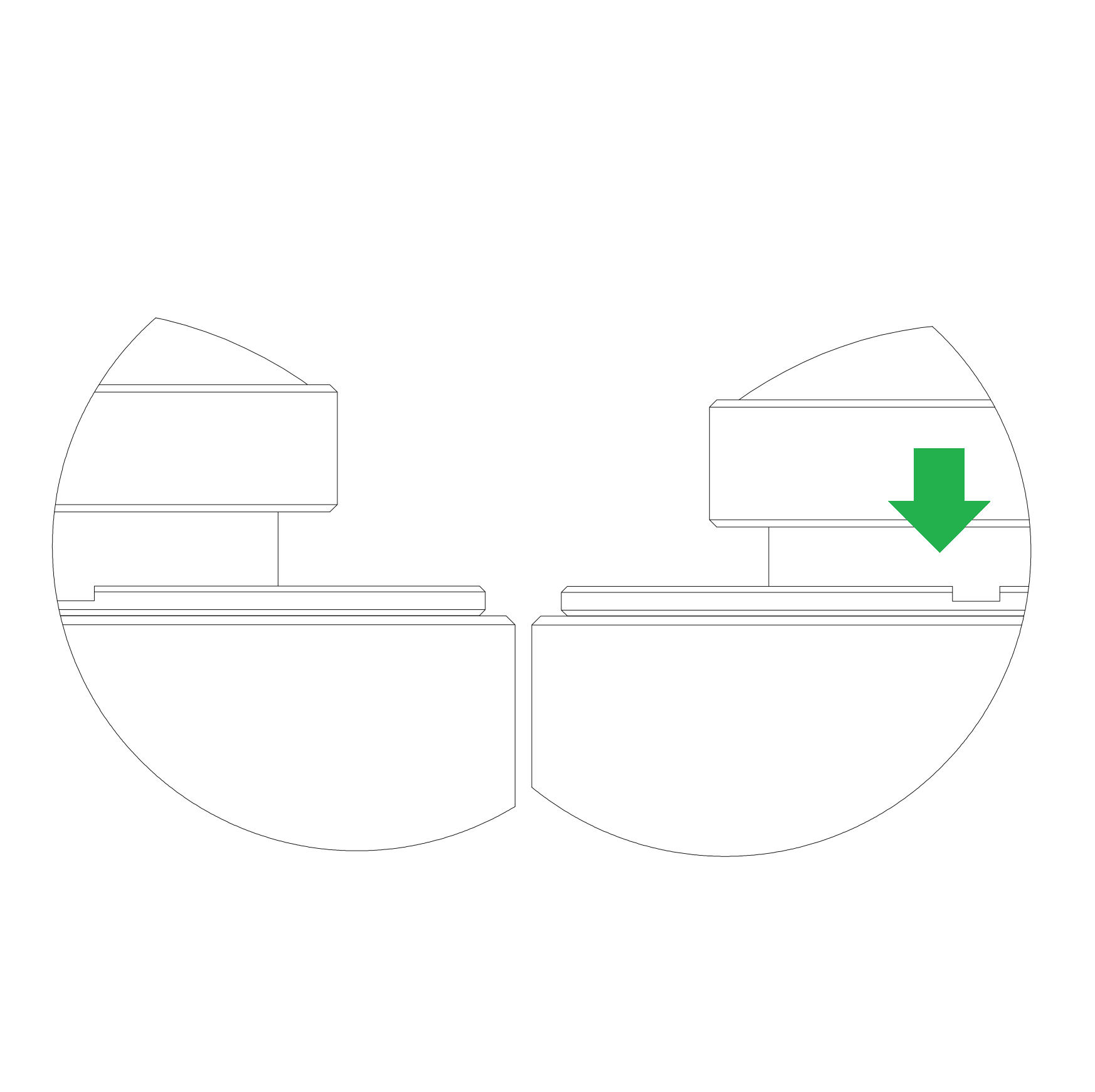
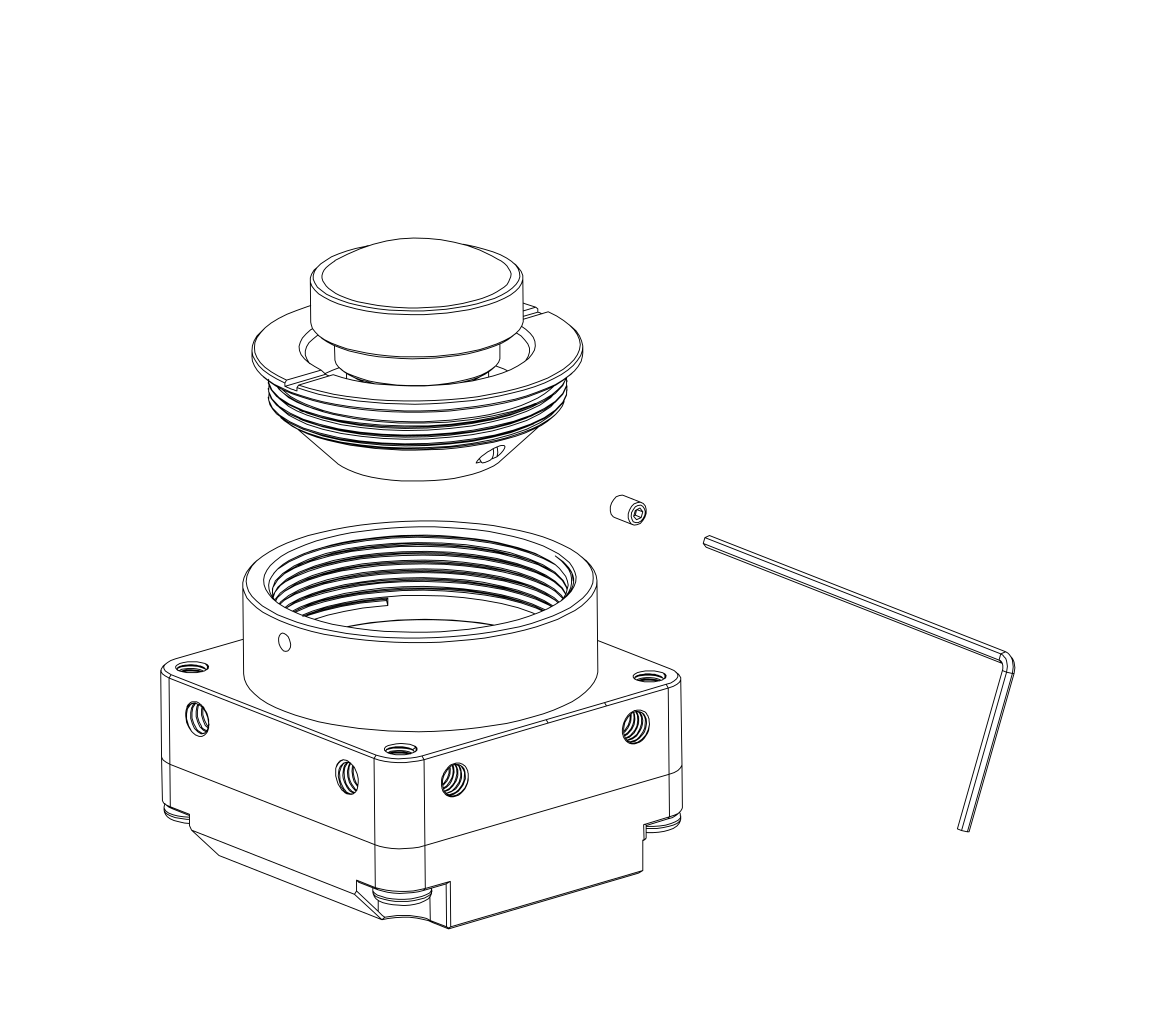
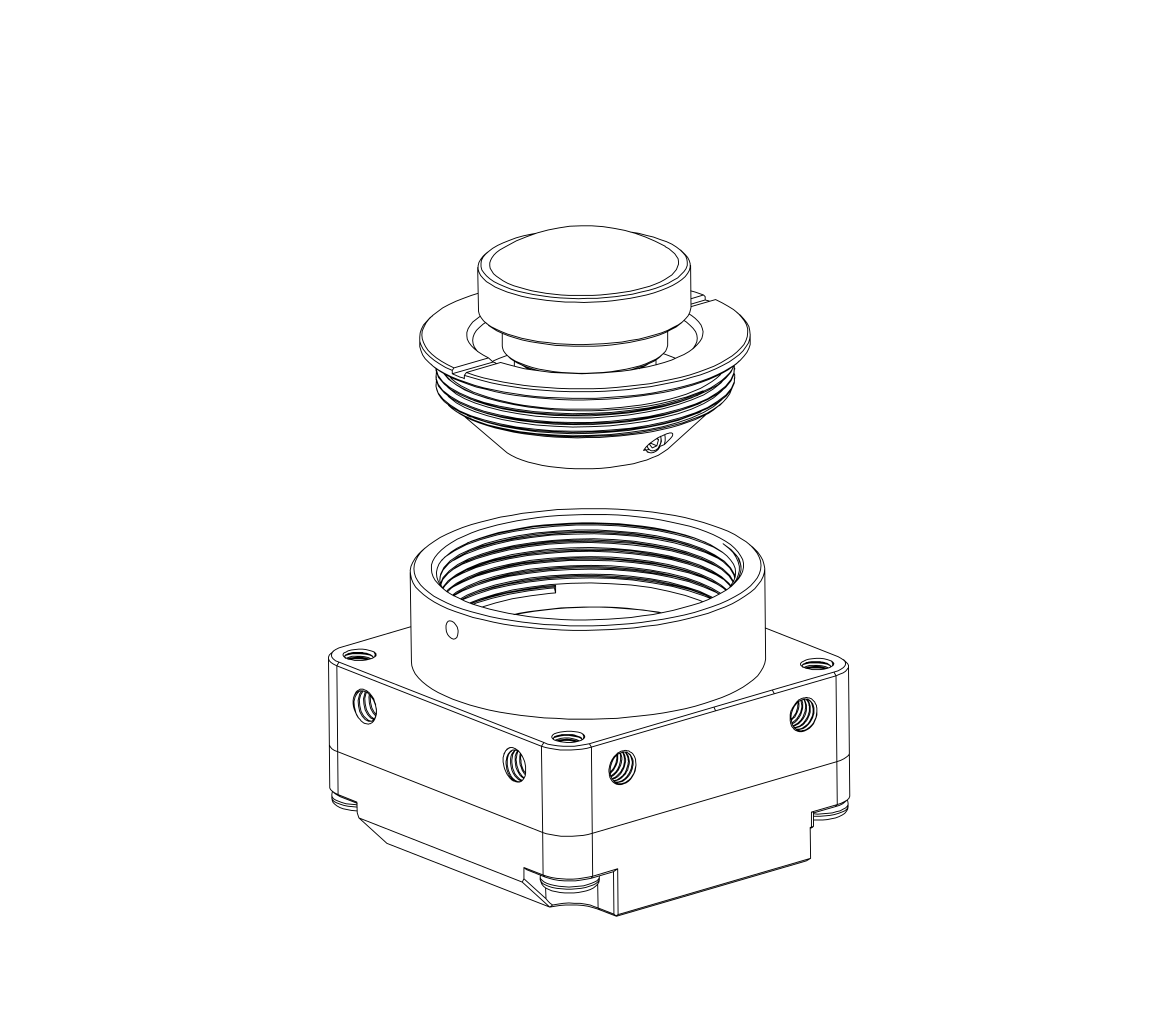
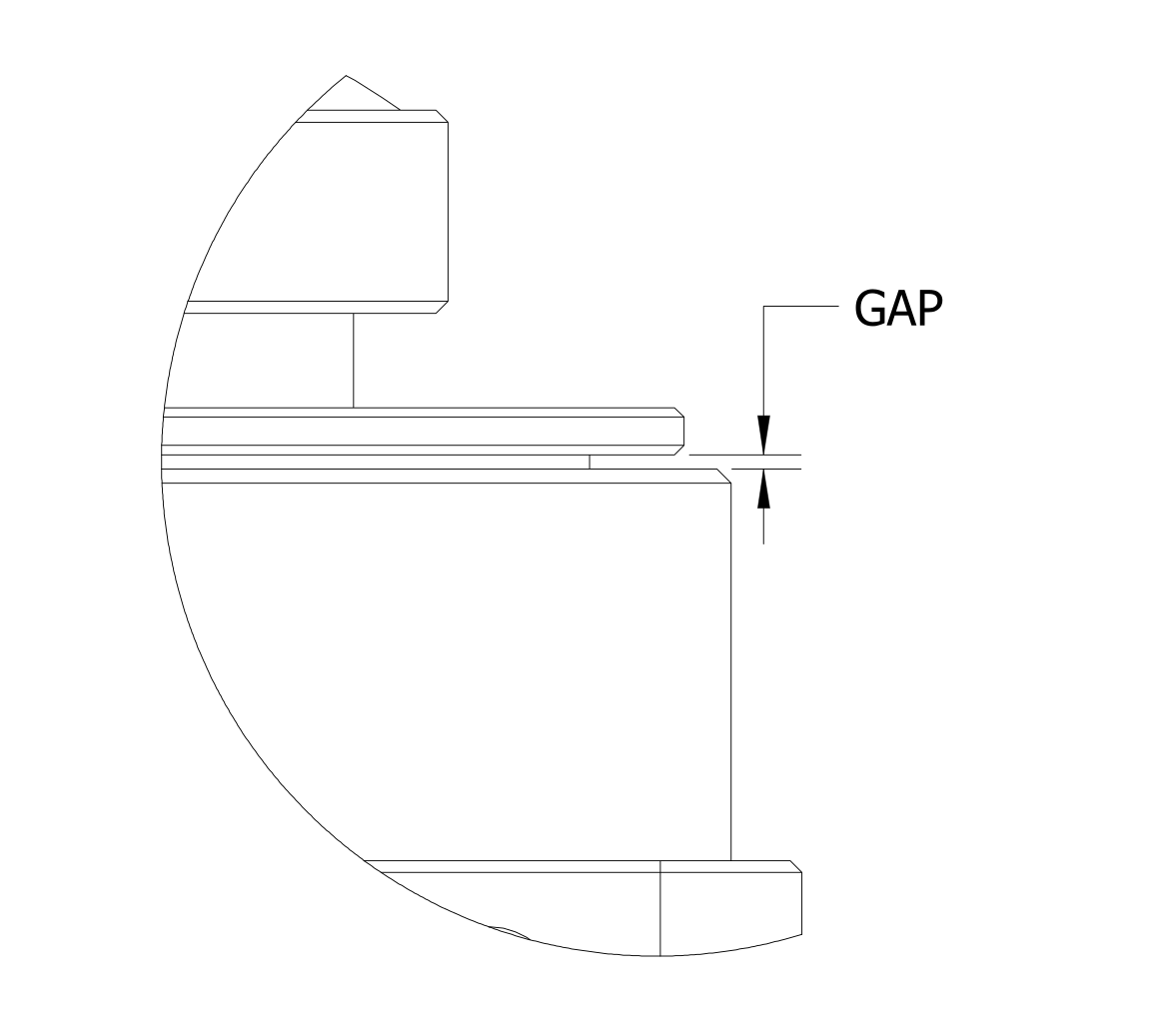
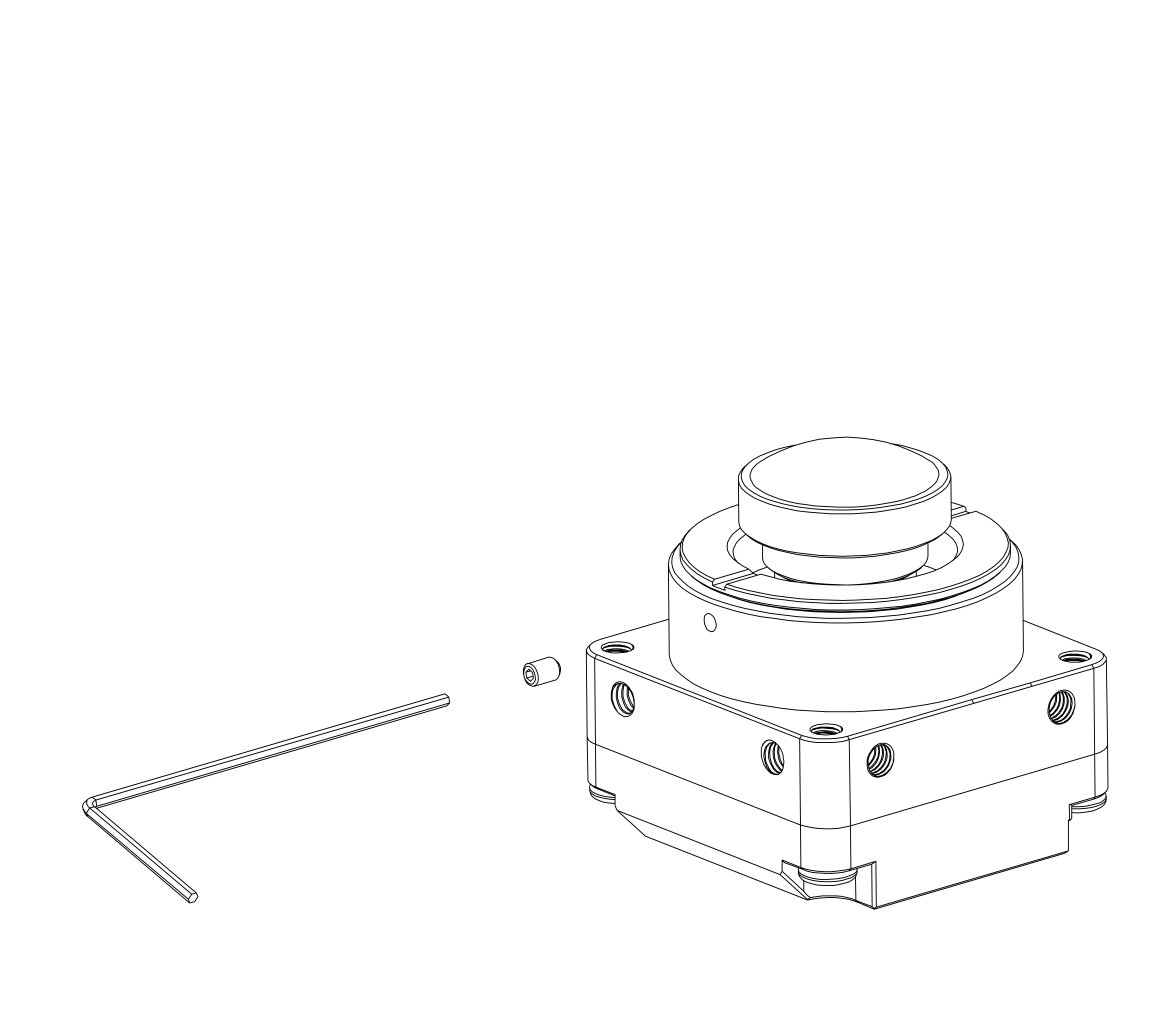
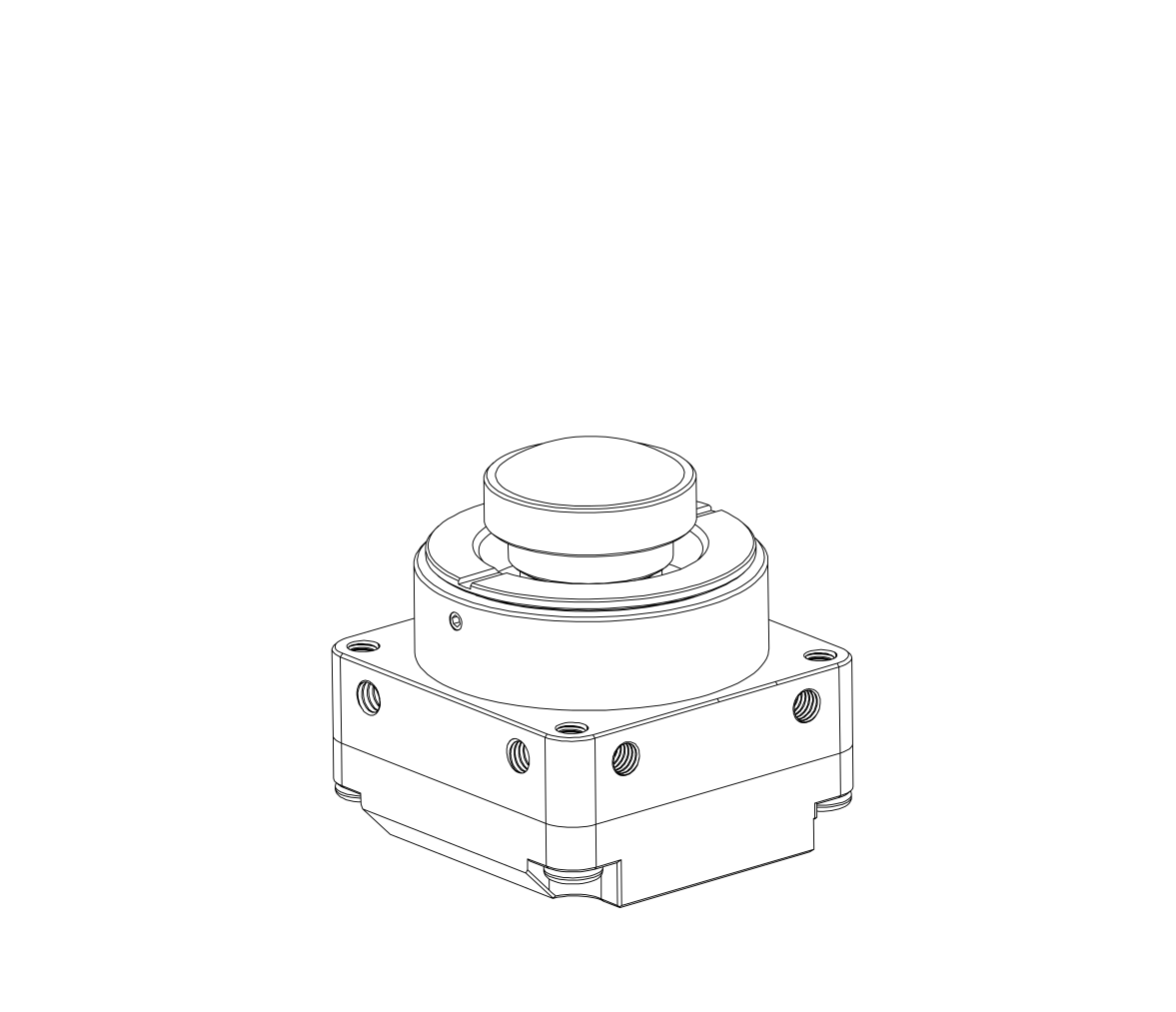
<table border="1" id="bkmrk-1.-prepare-m12-to-cs" style="border-collapse: collapse; width: 100%;"><tbody><tr><td style="width: 50%;"><span style="color: #999999;">[![M12_to_CS_300_01.png](https://wiki.kurokesu.com/uploads/images/gallery/2022-01/scaled-1680-/m12-to-cs-300-01.png)](https://wiki.kurokesu.com/uploads/images/gallery/2022-01/m12-to-cs-300-01.png)</span></td><td class="align-left" style="width: 50%;"><span style="color: #999999;">1. Prepare M12 to CS lens adapter.</span></td></tr><tr><td style="width: 50%;"><span style="color: #999999;">[![M12_to_CS_300_02.png](https://wiki.kurokesu.com/uploads/images/gallery/2022-01/scaled-1680-/m12-to-cs-300-02.png)](https://wiki.kurokesu.com/uploads/images/gallery/2022-01/m12-to-cs-300-02.png)</span></td><td style="width: 50%;"><span style="color: #999999;">2. Install adapter.</span></td></tr><tr><td style="width: 50%;"><span style="color: #999999;">[![M12_to_CS_300_11.png](https://wiki.kurokesu.com/uploads/images/gallery/2022-01/scaled-1680-/m12-to-cs-300-11.png)](https://wiki.kurokesu.com/uploads/images/gallery/2022-01/m12-to-cs-300-11.png)</span></td><td style="width: 50%;"><span style="color: #999999;">3. Adapter should be flush with the camera flange. Do not tighten nor use the set screw yet.</span></td></tr><tr><td style="width: 50%;"><span style="color: #999999;">[![M12_to_CS_300_03.png](https://wiki.kurokesu.com/uploads/images/gallery/2022-01/scaled-1680-/m12-to-cs-300-03.png)](https://wiki.kurokesu.com/uploads/images/gallery/2022-01/m12-to-cs-300-03.png)</span></td><td style="width: 50%;"><span style="color: #999999;">4. Prepare M12 lens.</span></td></tr><tr><td style="width: 50%;"><span style="color: #999999;">[![M12_to_CS_300_04.png](https://wiki.kurokesu.com/uploads/images/gallery/2022-01/scaled-1680-/m12-to-cs-300-04.png)](https://wiki.kurokesu.com/uploads/images/gallery/2022-01/m12-to-cs-300-04.png)</span></td><td style="width: 50%;"><span style="color: #999999;">5. Connect the camera for live preview and install M12 lens. Adjust lens focus.</span></td></tr><tr><td style="width: 50%;"><span style="color: #999999;">[![M12_to_CS_300_14_2.png](https://wiki.kurokesu.com/uploads/images/gallery/2022-01/scaled-1680-/m12-to-cs-300-14-2.png)](https://wiki.kurokesu.com/uploads/images/gallery/2022-01/m12-to-cs-300-14-2.png)</span></td><td style="width: 50%;"><span style="color: #999999;">6. Twist M12 lens half-turn (or a bit more) clockwise (deeper into the camera). This is an important step. In the final installation step, it will give some room for final focus adjustment.</span></td></tr><tr><td style="width: 50%;"><span style="color: #999999;">[![M12_to_CS_300_05.png](https://wiki.kurokesu.com/uploads/images/gallery/2022-01/scaled-1680-/m12-to-cs-300-05.png)](https://wiki.kurokesu.com/uploads/images/gallery/2022-01/m12-to-cs-300-05.png)</span></td><td style="width: 50%;"><span style="color: #999999;">7. Unscrew the filter from the camera without touching the lens.</span></td></tr><tr><td style="width: 50%;"><span style="color: #999999;">[![M12_to_CS_300_06.png](https://wiki.kurokesu.com/uploads/images/gallery/2022-01/scaled-1680-/m12-to-cs-300-06.png)](https://wiki.kurokesu.com/uploads/images/gallery/2022-01/m12-to-cs-300-06.png)</span></td><td style="width: 50%;"><span style="color: #999999;">8. Install and tighten set screw.</span></td></tr><tr><td style="width: 50%;"><span style="color: #999999;">[![M12_to_CS_300_07.png](https://wiki.kurokesu.com/uploads/images/gallery/2022-01/scaled-1680-/m12-to-cs-300-07.png)](https://wiki.kurokesu.com/uploads/images/gallery/2022-01/m12-to-cs-300-07.png)</span></td><td style="width: 50%;"><span style="color: #999999;">9. Lens is now secured in the filter.</span></td></tr><tr><td style="width: 50%;"><span style="color: #999999;">[![M12_to_CS_300_08.png](https://wiki.kurokesu.com/uploads/images/gallery/2022-01/scaled-1680-/m12-to-cs-300-08.png)](https://wiki.kurokesu.com/uploads/images/gallery/2022-01/m12-to-cs-300-08.png)</span></td><td style="width: 50%;"><span style="color: #999999;">10. Install lens with filter into the camera.</span></td></tr><tr><td style="width: 50%;"><span style="color: #999999;">[![M12_to_CS_300_12.png](https://wiki.kurokesu.com/uploads/images/gallery/2022-01/scaled-1680-/m12-to-cs-300-12.png)](https://wiki.kurokesu.com/uploads/images/gallery/2022-01/m12-to-cs-300-12.png)</span></td><td style="width: 50%;"><span style="color: #999999;">11. Small gap should be left for focus adjustment.</span></td></tr><tr><td style="width: 50%;"><span style="color: #999999;">[![M12_to_CS_300_09.png](https://wiki.kurokesu.com/uploads/images/gallery/2022-01/scaled-1680-/m12-to-cs-300-09.png)](https://wiki.kurokesu.com/uploads/images/gallery/2022-01/m12-to-cs-300-09.png)</span></td><td style="width: 50%;"><span style="color: #999999;">12. Install set screw while verifying sharp focus on camera live preview software.</span></td></tr><tr><td style="width: 50%;"><span style="color: #999999;">[![M12_to_CS_300_10.png](https://wiki.kurokesu.com/uploads/images/gallery/2022-01/scaled-1680-/m12-to-cs-300-10.png)](https://wiki.kurokesu.com/uploads/images/gallery/2022-01/m12-to-cs-300-10.png)</span></td><td style="width: 50%;"><span style="color: #999999;">13. Lens is secured and ready for use.</span></td></tr></tbody></table>